Provider guidance alongside original laboratory flags
Understand how configured specialist comparisons can accompany laboratory results without overwriting source ranges, flags or sampling details.
Two distinct sources of context
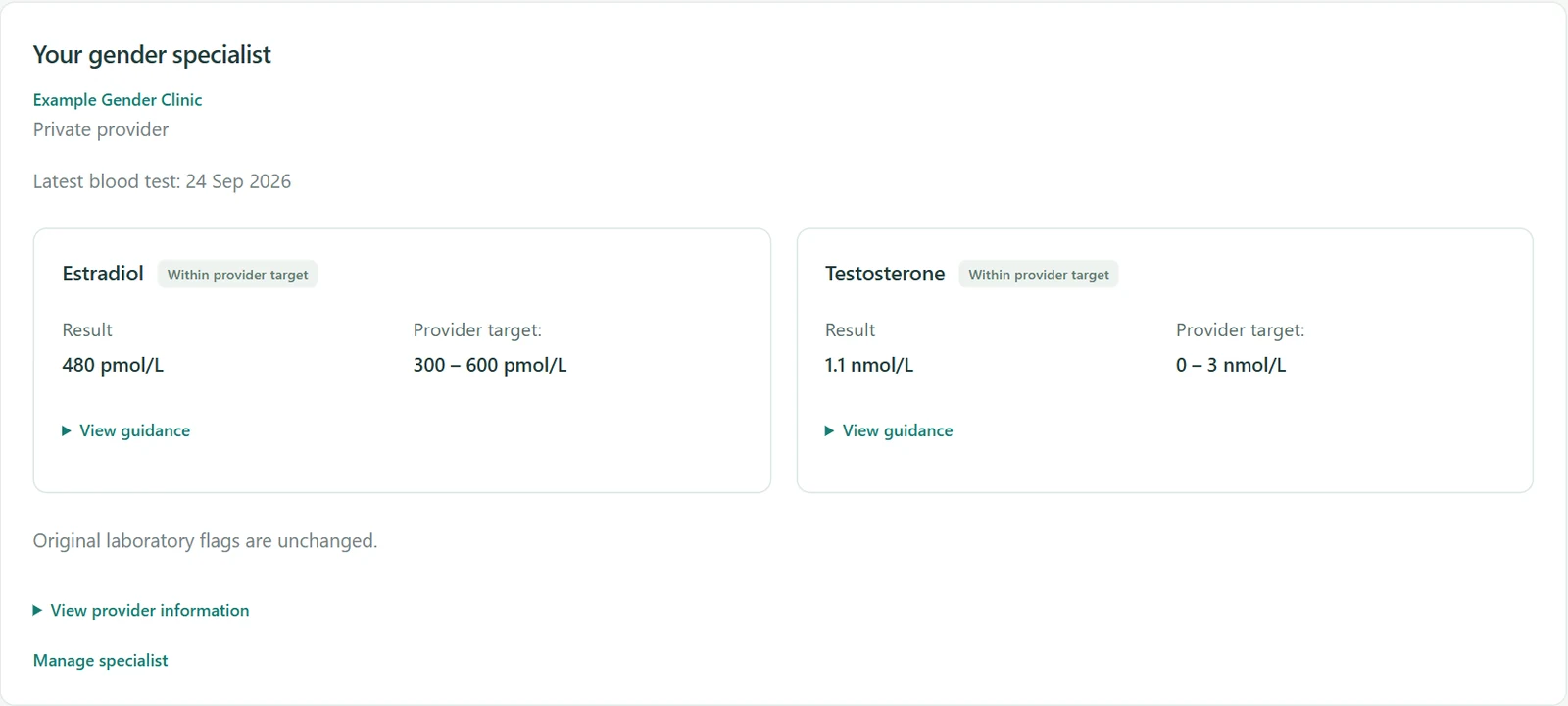
Keep your specialist’s monitoring guidance beside the original laboratory range and flag. Both sources of context remain visible, even when they differ.
Select a provider for your record
Add your gender specialist to your profile. If they are missing from the directory, submit their details for review so you can keep your care contacts together.
Check guidance against the right result
Compare a result only when the marker, unit, dates and any sampling window match the saved guidance. A provider with no stated timing requirement does not need a guessed gap.
Fill in the context when you have it
When timing is missing, follow the link to the test and add what you know. Guidance supports your record and appointment preparation; it does not diagnose or recommend a dose.
Ask Hormone Ledger
Ask what stored specialist guidance says about a marker, or why a saved comparison is not comparable. The assistant explains the application’s comparison; it does not choose a target or recommend treatment.
Learn about Ask Hormone Ledger →Keep your treatment information together
A personal record, not a diagnosis or treatment recommendation.