Bring a clear record to your appointment
Create a reviewed PDF containing recorded profile details, medication history, blood results, trends, injections and available specialist context.
An appointment summary from saved records
Download your full recorded history by default, or choose a shorter period. Include notes when useful and check the dates before sharing.
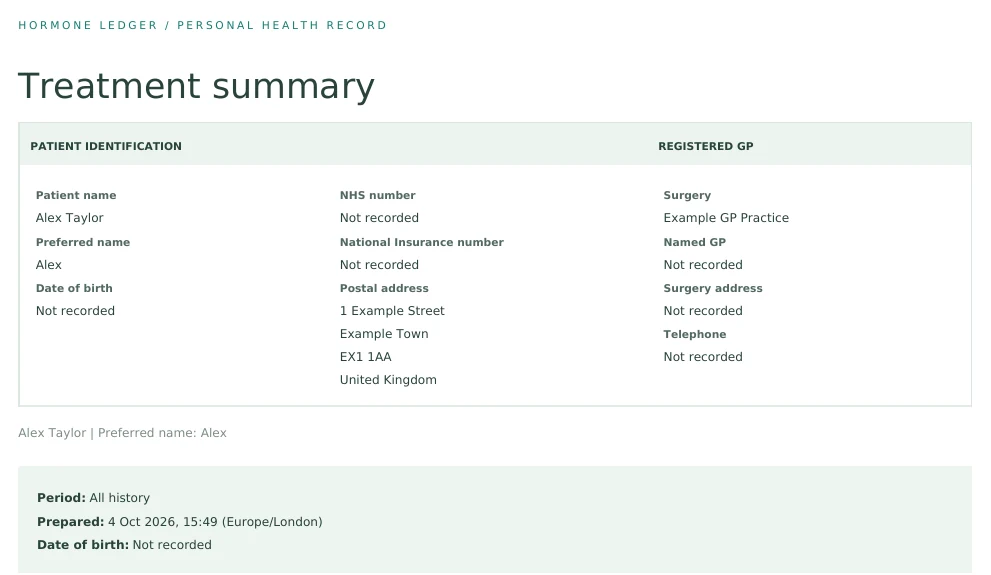
Personal details and care contacts
Keep your name and saved identifiers, address, GP and gender specialist details at the top of your report. Review the personal information you are sharing before sending it.
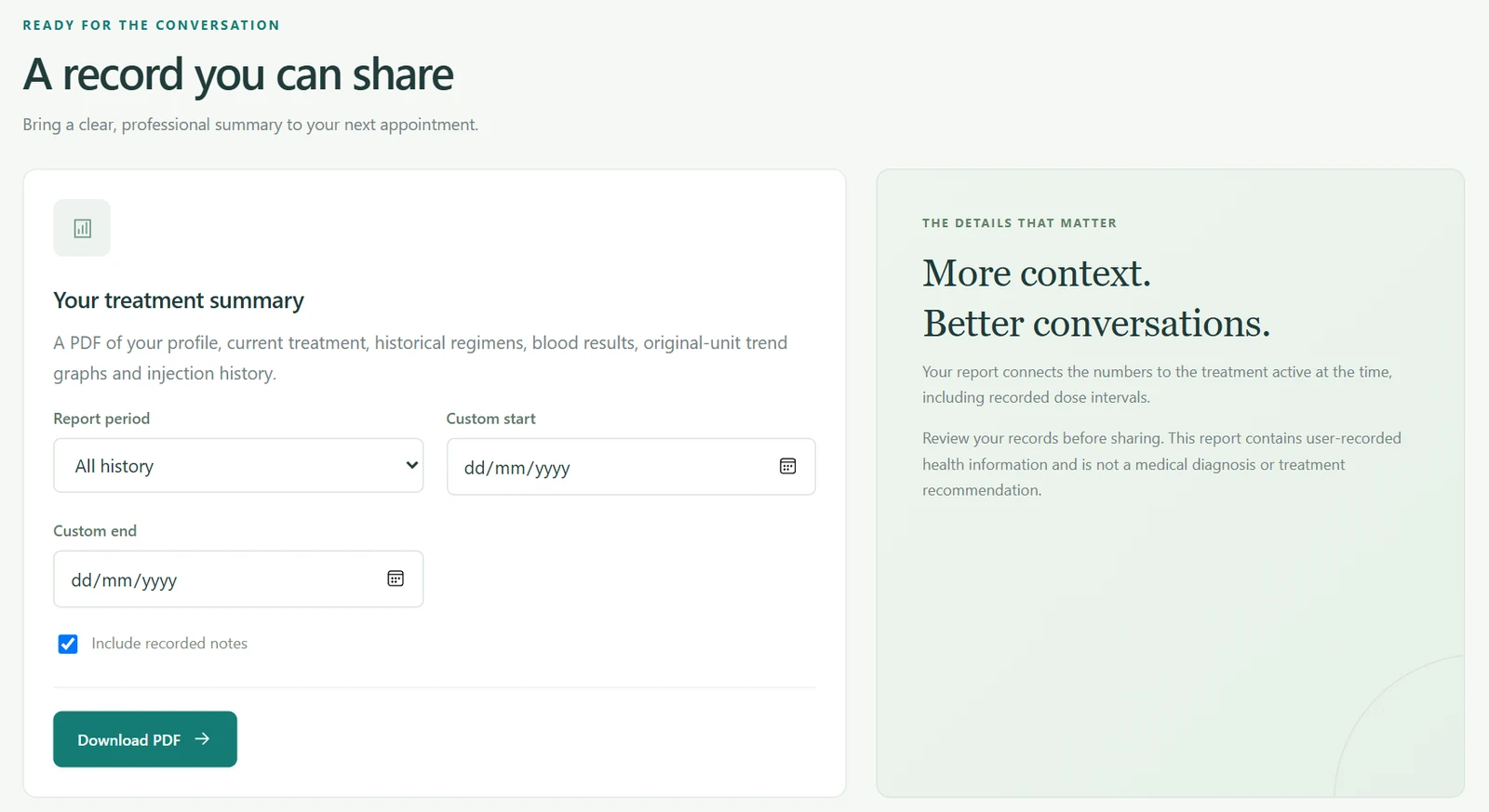
Preserve original test information
Bring original blood values, trends, sampling details and medication history together. Injection history shows recorded administrations and their next expected dates.
Review before taking it to your clinician
Take a clear treatment summary to your GP, gender clinic or specialist. It summarises what you have saved and does not replace their interpretation or advice.
Ask Hormone Ledger
Ask Hormone Ledger to summarise recent recorded results and treatment before an appointment. Check its source links, and use Reports for your reviewed PDF summary.
Learn about Ask Hormone Ledger →Questions about treatment reports
What is included in a report?
Saved profile details, treatment, results, trends, injection history and available provider context within the chosen period.
Can I take it to my GP or specialist?
Yes. Review it first and share the information you choose with your treating professional.
Does the report provide medical advice?
No. It summarises recorded information without diagnosing or recommending treatment changes.
Keep your treatment information together
A personal record, not a diagnosis or treatment recommendation.